Client
Alight Solutions
Project Type
Design System
Role
Product Design Lead
Year
2020 – 2026
Alight Worklife Design System
Our team spent multiple years building a design system for a global HR software platform, unifying brand and product across an enterprise used by 35M+ users. As the design system lead, I set the vision, guided component standards, and drove governance, ensuring every detail was cataloged with the right balance of specifications and flexibility.
The challenge
When I joined, product teams were using inconsistent UI kits across platforms. Design handoff was manual, brand drift was everywhere, and we had no single source of truth. We needed a system to scale with our ambitions.
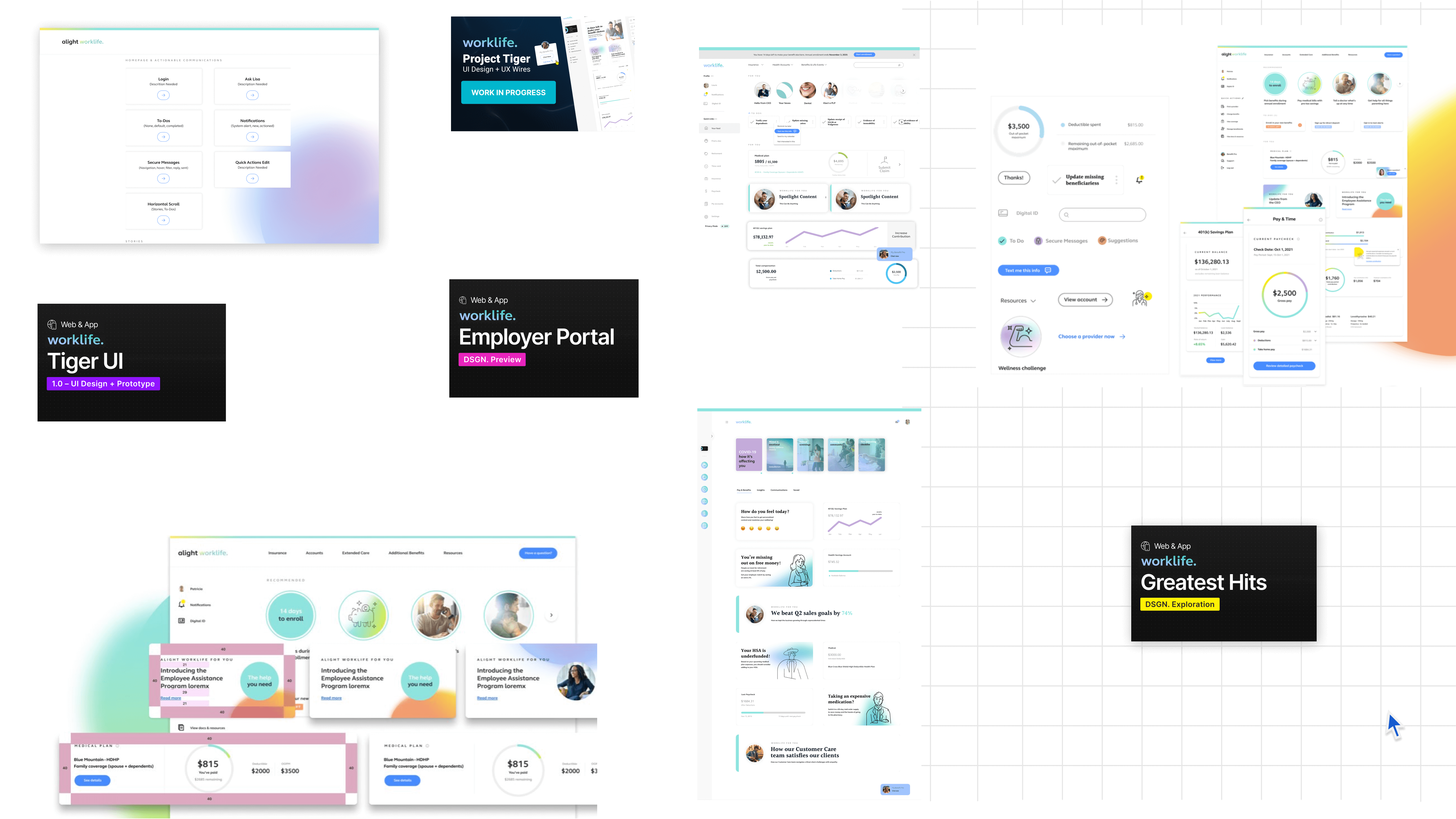
Our files had all sorts of creative names and the UI elements were inconsistent.
The Process
First, we moved Sketch files to Figma. We created a shared library of design components, formed a basic level of governance, created and maintained a backlog, and continuously generated awareness of our work and progress through regular forums and an open Slack channel.
Where to start?
Almost every design project began from scratch; new files, artboards, frames, and components were stored in the cloud, on desktops, and in Sketch. My first order of business was to collect all assets in one place, allowing us to collaborate in real-time and maintain access to shared files and design libraries.
Migrating to Figma unlocked real-time collaboration, bringing designers, developers, and content into a shared workspace. It laid the foundation for scaling our system efficiently.
We migrated our designs files from Sketch to Figma for better collaboration and organization.
Discovery
I read medium articles, studied the design systems created by Google, Salesforce, REI, and Atlassian, and searched for fellow designers who blazed this trail before me. I called pals in the industry to solicit their best advice. We also were afforded the opportunity to attend the Into Design Systems Conference which gave us access to a community dedicated to design systems.
We borrowed inspiration and guidance from some of the best in the industry.
Inventory + Audit
Our next task was to catalog every UI element in our application with a strategy in mind. We pulled every UI element we had, every modal, every menu, every button, and anything else we thought we might use. Then we bucketed them to distill further instances of elements to only what we needed. We had so many button styles, an array of font weights, and single-use icons galore. Seeing everything alongside their related elements made it clear we needed a design system.
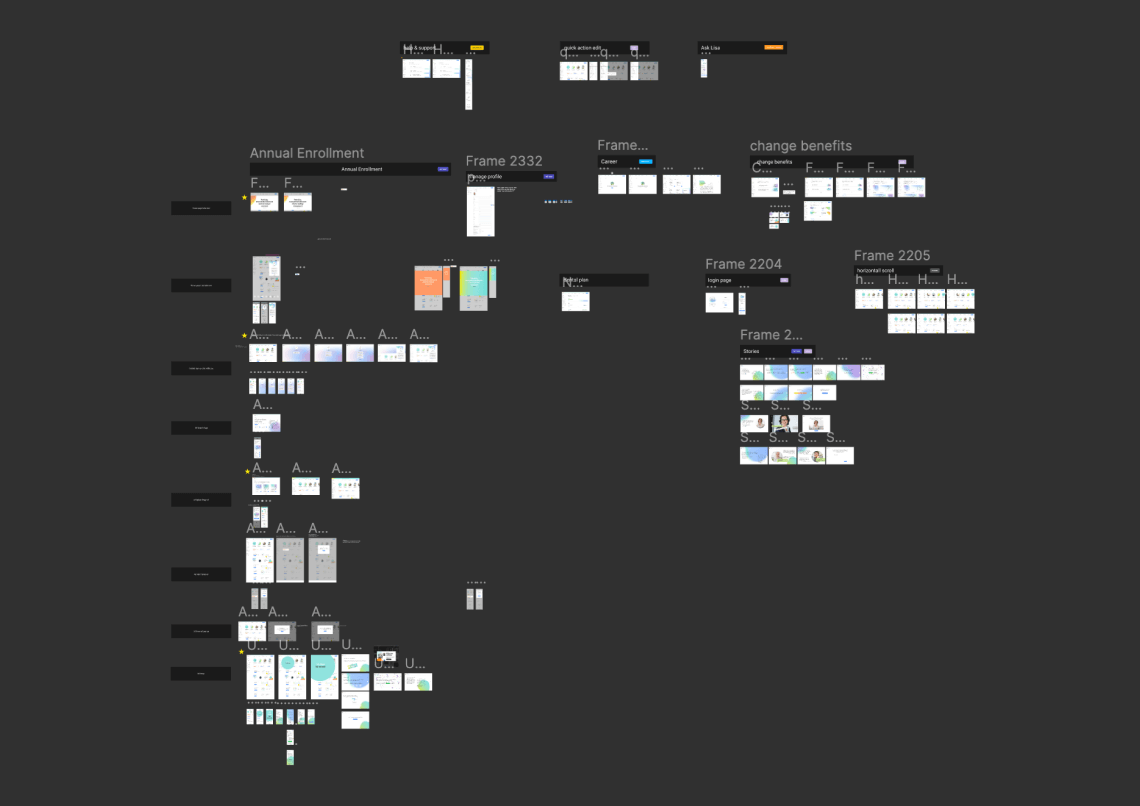
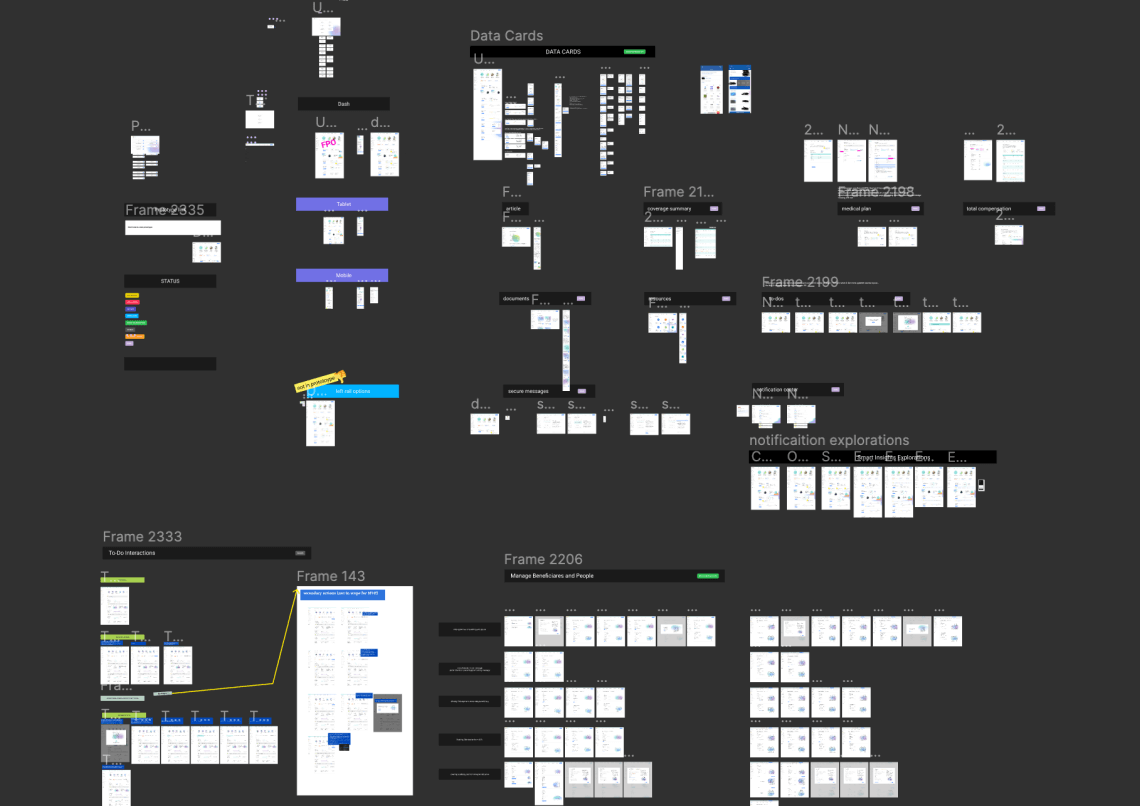
During our audit phase we grouped UI elements based on their commonailities.
The hardest part of design...is keeping features out.

Donal Norman
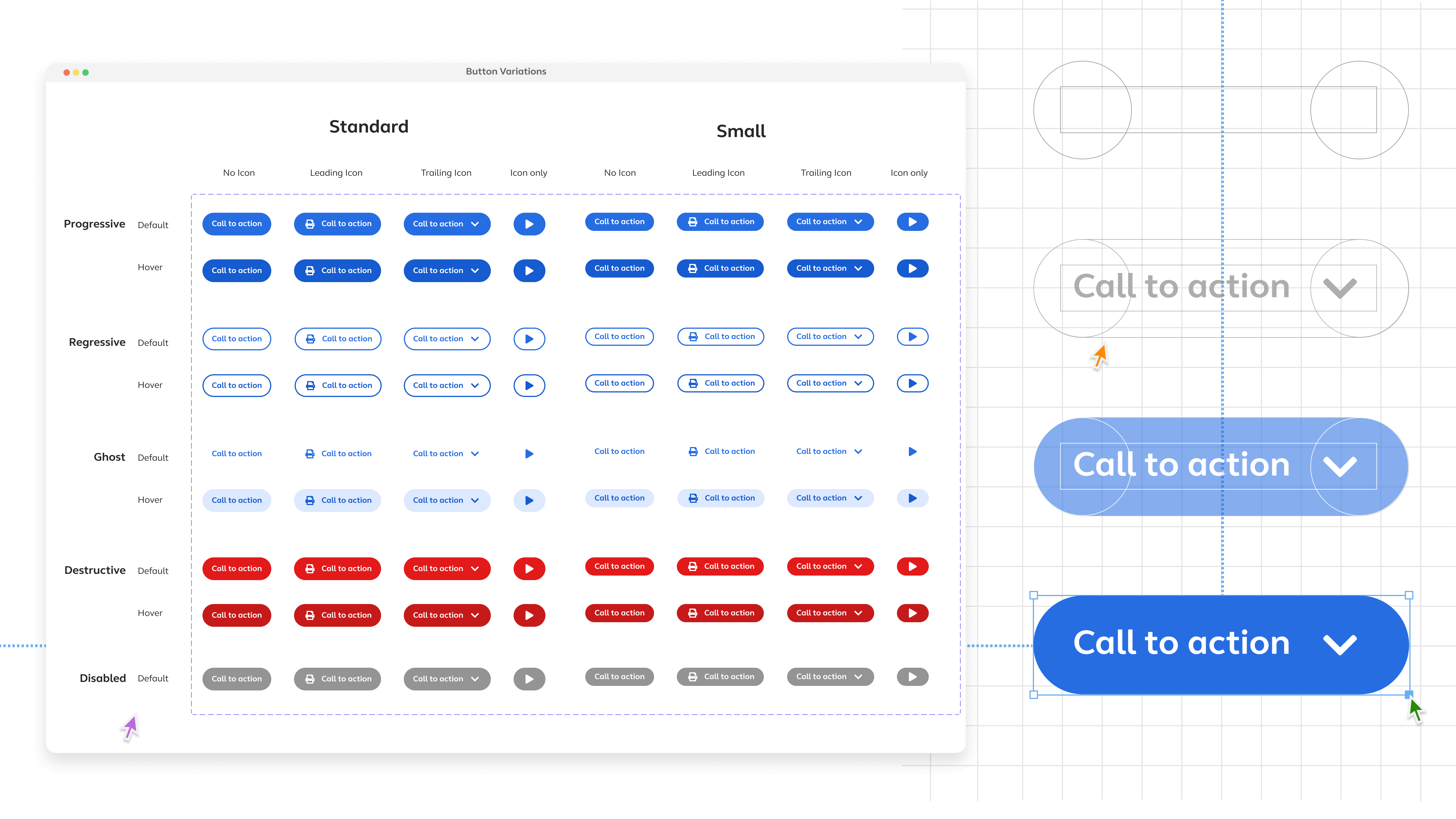
We took advantage of Figma's variant feature when possible.
Coworking
One of the most time-consuming parts of the project was creating a shared structure for the system. We had to make tough decisions around naming conventions, categorization, organization, and presentation. Along the way, we restructured our files multiple times, testing and refining until we arrived at the most logical approach. In the end, that effort paid off: designers and developers could finally speak the same language, and abstract brand decisions were translated into consistent, reusable code.
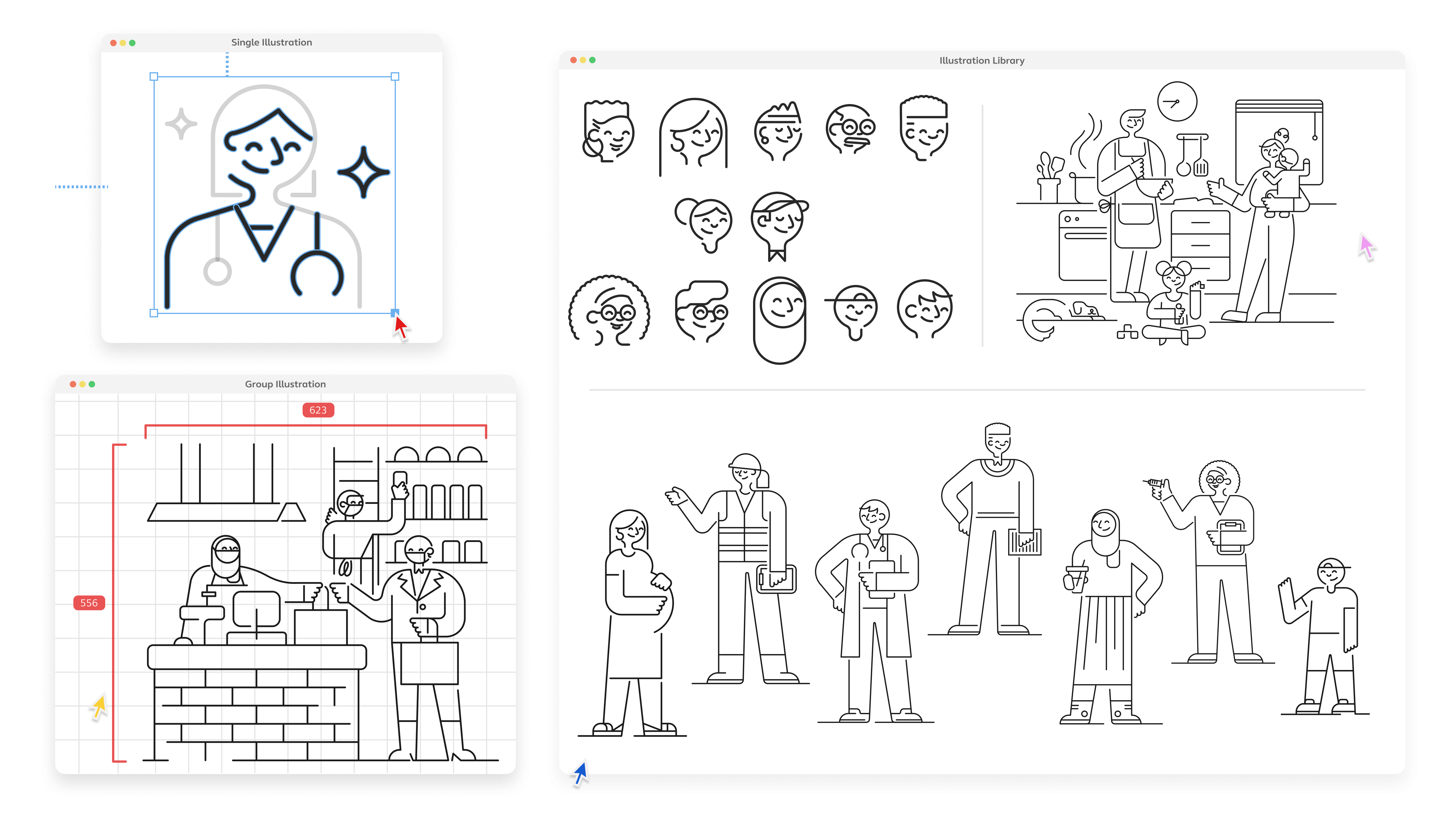
We worked with an illustration studio to help us create a set of interchangeable characters and relatable scenarios for our design system.
Evolving
I've worked with more than a few design systems, and have come to the realization that they're never done. In sound systems, practitioner designers are encouraged to go out and use the patterns in their projects and "break them," which is inevitable. Having those designers report back to the Design System team is essential to correct incorrect system usage and capture natural, granular evolution and then implement that back into the system. You won't ever be able to see every nook and cranny of the digital product, so you let the system learn by doing. 🌱
Prioritization
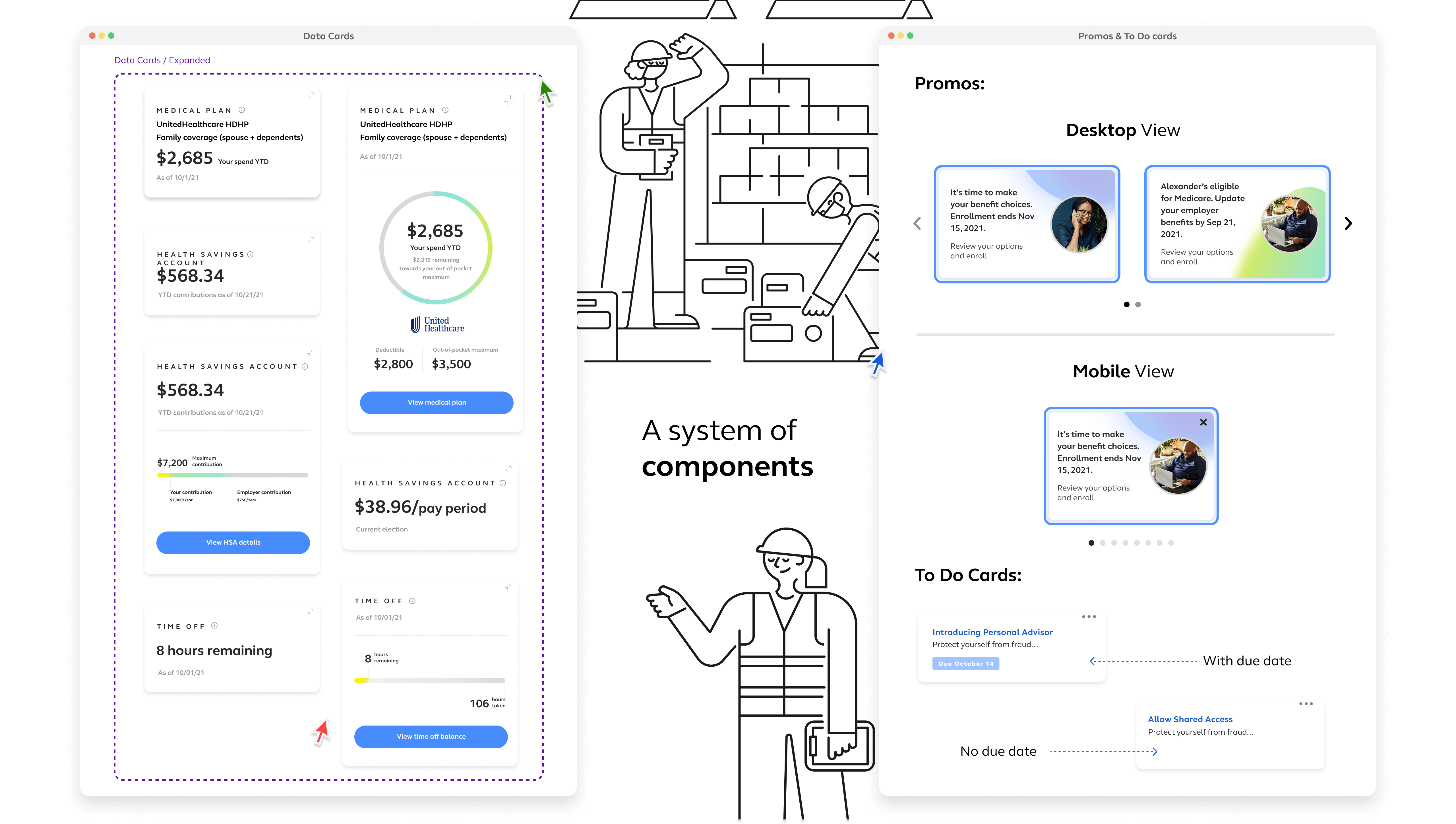
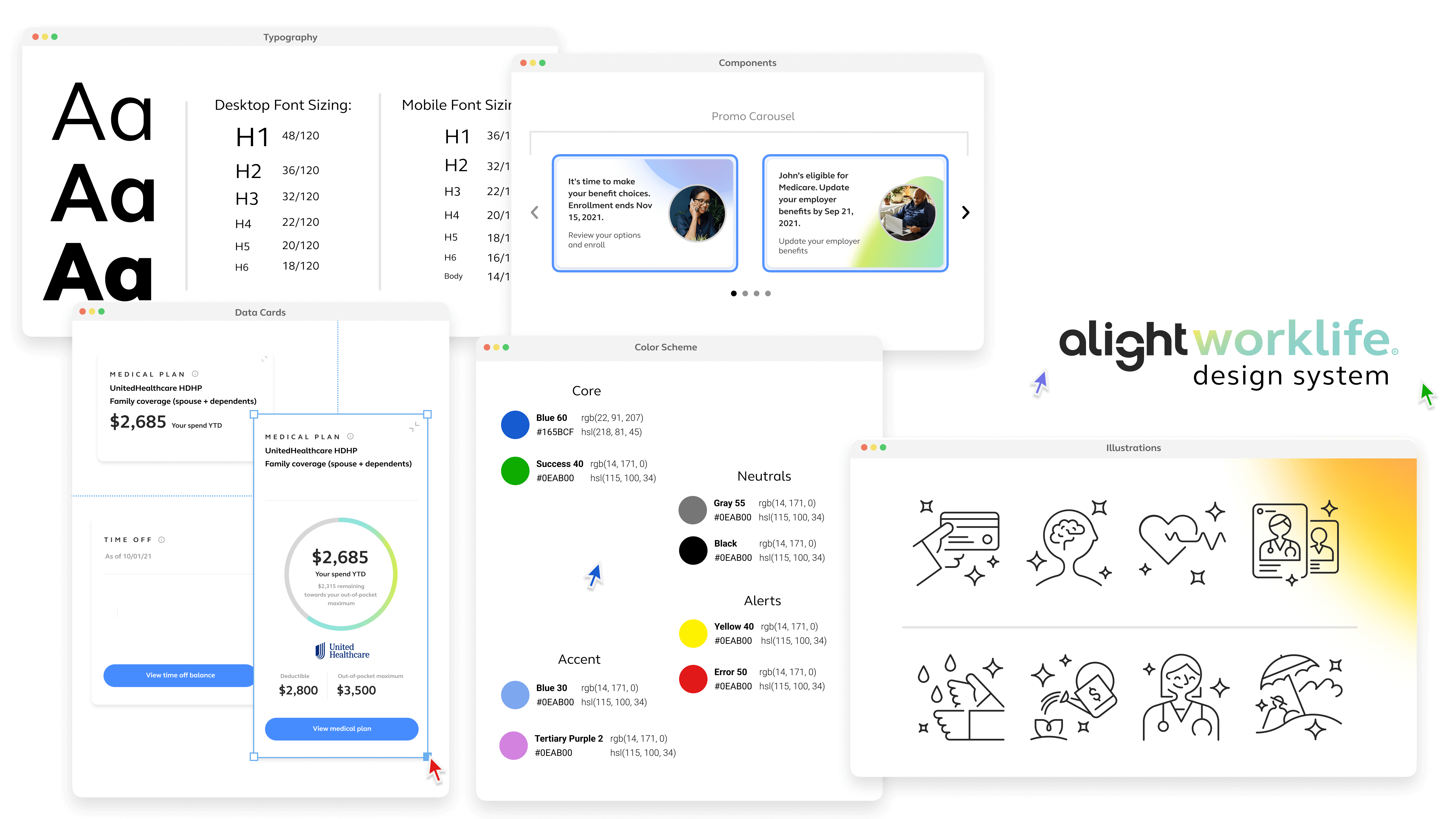
We began with the necessary foundations, including Accessibility, Color, Grid, Iconography, Illustrations, Logos, and Typography. We then asked our Product Managers and Design Leads for component suggestions to see if share needs might be across several platforms. Once the team collected our list, we determined which requests would have the highest impact on our users. After we collectively agreed on the prioritization of components – we began building and documenting the most important and adding the rest to the backlog with an appropriate ranking so we could quickly revisit the request list as the design system team completed components.
Customization
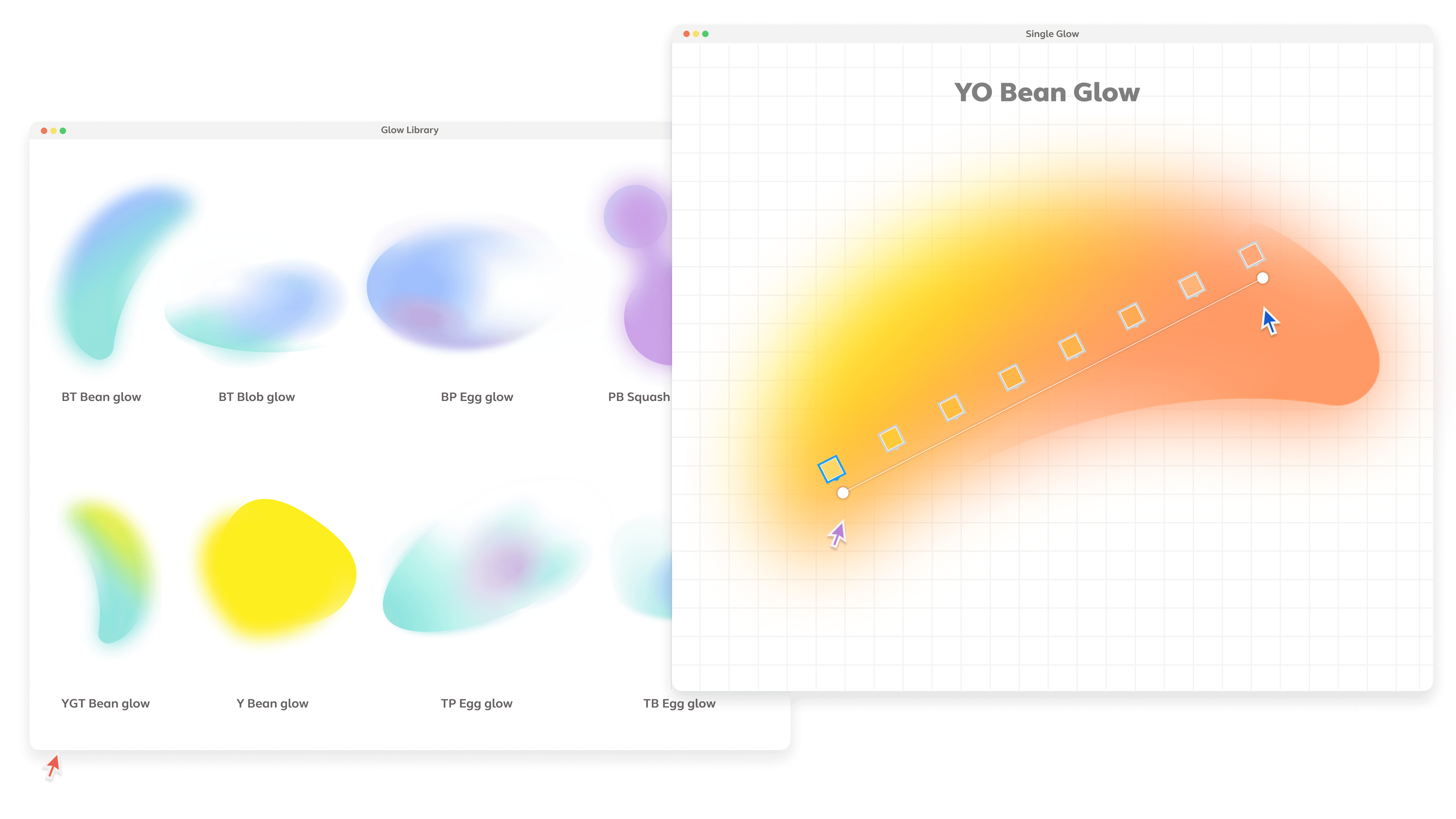
There's generally no linear way to get from point A to point B, so we had to remain super flexible, be open to new ideas, and know getting from point A to B is more like a zig-zag line. We set up twice-a-week Designer System Connect meetings and kept it casual and close to the lunch hour so folks could dial in to listen. These Designer System Connect meetings allowed for an open forum for 25+ designers to ask any questions they may have about the system and give the design system team a chance to share updates on new components available for use in our Figma library. We also set up a slack channel to use for conversation to complement our Design System Connect meetings.
The results
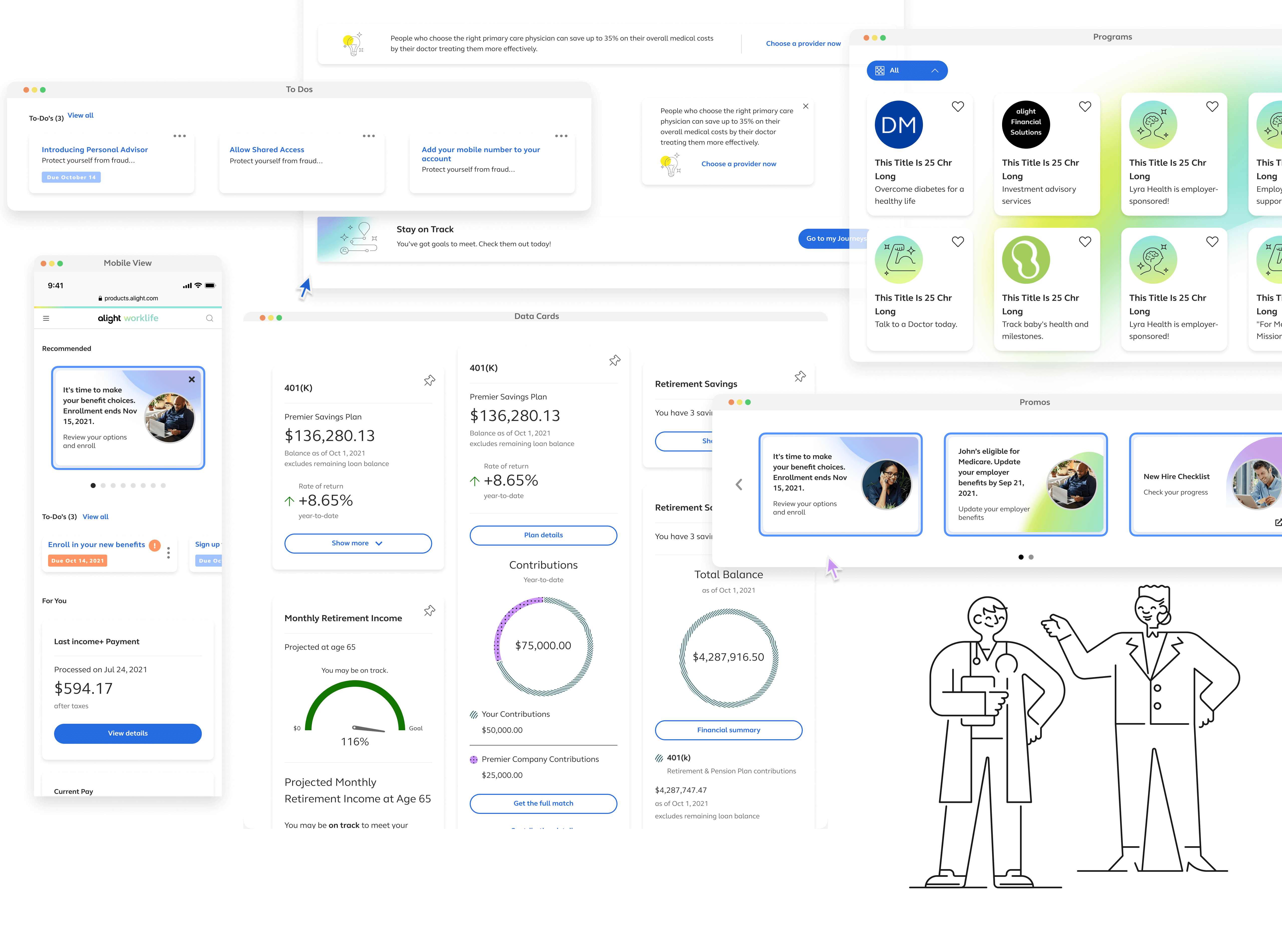
We became smarter Figma users, faster problem solvers, more collaborative, and well-organized. We also got great at explaining what we were doing and how we were doing it; by demonstrating the benefits of a shared design system.
This is the first time I’ve seen design move faster than dev.
Observant Product Manager
(That was the moment I knew the system was working.)
Benefits
Some of the benefits of creating a design system include:
- Gaining about 35% more design time.
- Ensuring UI consistency across our platform (which definitely increased brand trust).
- Reducing complexity and ambiguity.
- Enabling and facilitating collaboration and governance.
- Empowered us to create an efficient and focused design & development process by clearly documenting our designs verbally and visually in one place.
Overall, creating a design system enabled us to work faster, better, and stronger, ultimately increasing our velocity.
Additional takeaways
Inventorying every UI element took more time than expected — more than the editing cycle itself. But through that work (and a few missteps), we uncovered what really makes a system usable, scalable, and maintainable:
- Accessibility isn’t optional. Include accessibility experts early, they elevate every conversation and help the whole team design smarter.
- Variants save time. Thoughtful use of Figma variants significantly reduced clutter and expedited design decisions.
- Naming matters. We aligned design tokens and components with dev conventions to reduce friction and increase clarity across teams.
- Font Awesome worked. Using a consistent icon font helped maintain visual alignment and simplified implementation.
- Agile is a mindset. Working in iterative sprints gave us space to course-correct and accommodate the inevitable zig-zags of scaling a system.
- Shared libraries = shared language. Nearly every designer now works exclusively from our component libraries, a huge signal of trust and adoption.
- Atomic design still holds up. Brad Frost’s framework was a guiding light for how we structured, grouped, and scaled components.
What I’d do differently next time
Along the way, we uncovered lessons that didn’t show up in roadmaps or retros. These were the quiet wins and hard truths that ultimately made the system stronger.
- Adoption isn’t automatic. Even with polished components and tokenized styles, systems don’t scale without trust, clear documentation, and cross-team relationships.
- Governance is strategy. Defining how tokens, components, and contributions are managed early helped reduce chaos. It also created space for real innovation.
- Don’t wait to invite engineering. Code and design are siblings, not handoffs. Including dev early ensured token architecture matched implementation realities.
- Invest earlier in onboarding. Adoption isn’t just about components or tokens. It’s about building confidence, creating clarity, and making the system feel approachable.
In Partnership With
DESIGN
3 Designers
COPY
1 Writer
A11Y
2 Accessibility Experts
DEV
3 Engineers
He loves collaborating,
so go on. Reach out.
CONTACT
FOUNDER WORK
FOLLOW
© 2026 Russell Beaver. All rights reserved.